
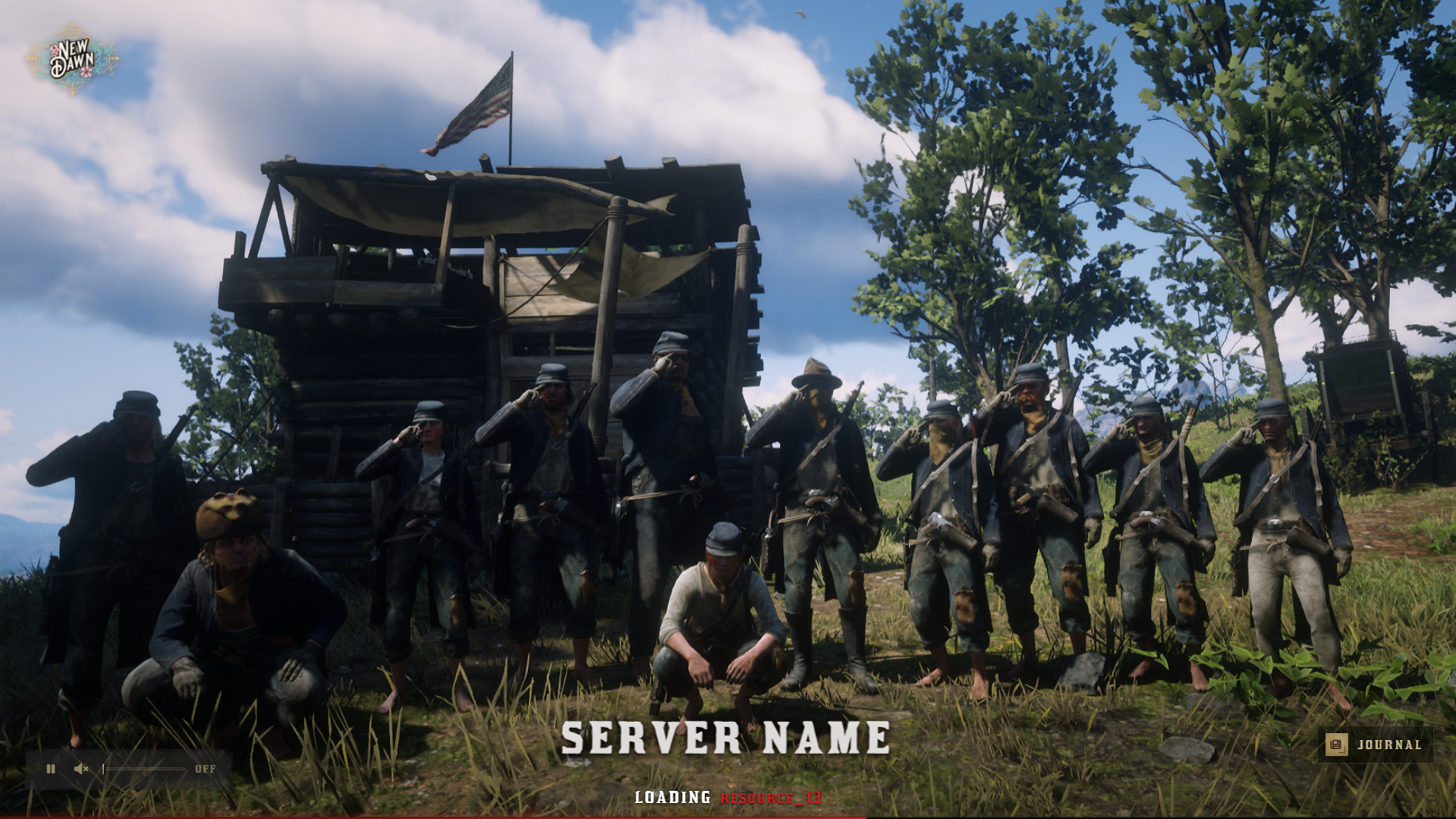
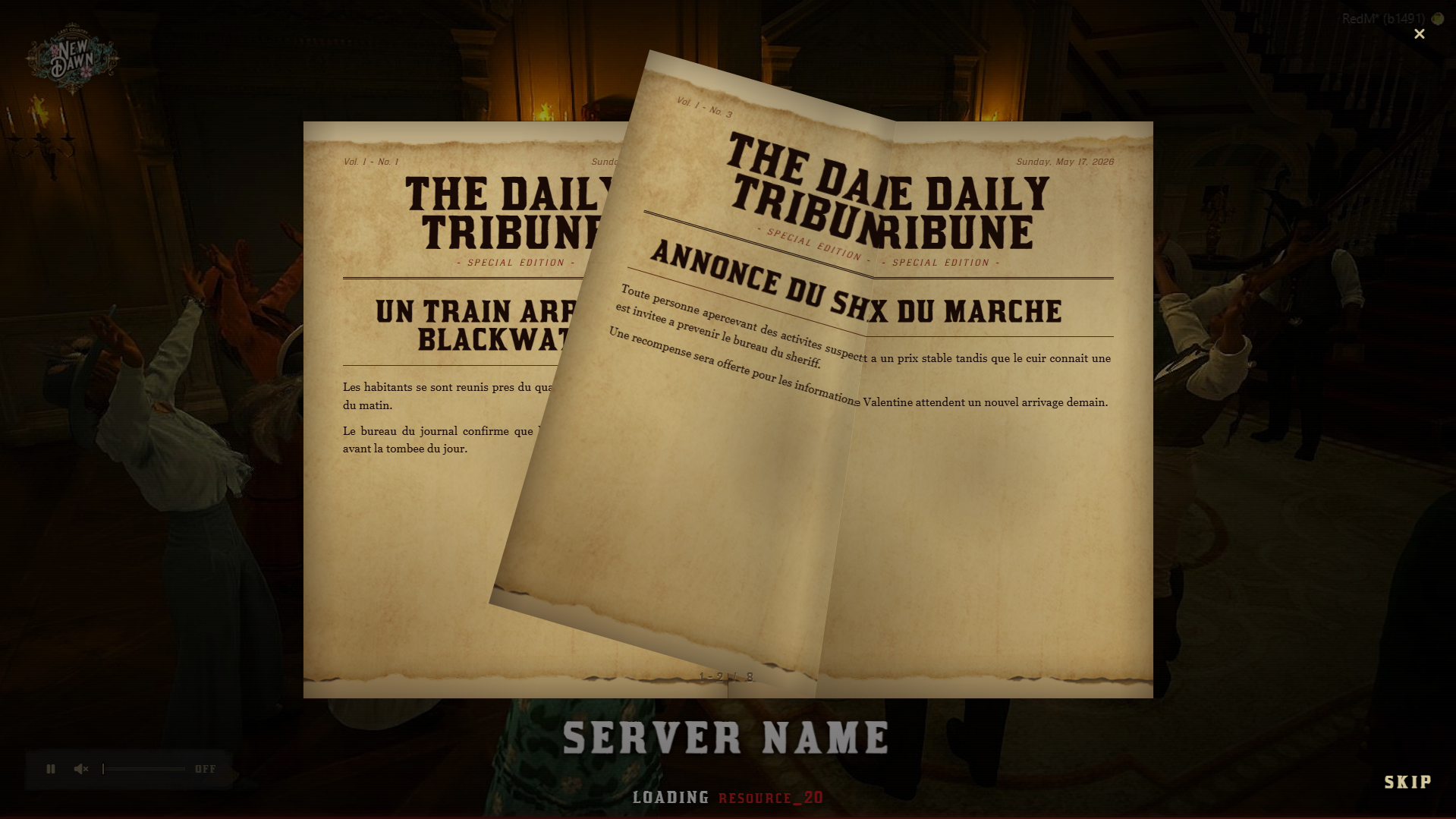
A fully configurable RedM loading screen with an authentic RDR2 aesthetic, 8+ animation systems, and a unique in-game editable newspaper — ready to configure out of the box.
Compatible with VORP, RSGCore, and any custom core. Built with Vue 3 + TypeScript, optimized NUI, open config files. Your players will never stare at a blank screen again.
✦ Features
- 🎬 Server Name Animations — 8 styles: none, fade-in, slide-down, slide-up, glow, flicker, pulse, shimmer. Configurable position (top / center / bottom), font size, and decorative lines.
- 🖼️ Logo Animations — 11 effects: pulse, glow, float, rotate, wobble, flip, spin-in, zoom-in, and more. Drop in your own logo PNG and go.
- 🖼️ 3 Background Modes — Static image, slideshow (multiple images), or MP4 video background.
- 🔀 9 Image Transitions — fade, slide-left, slide-right, slide-up, slide-down, zoom-in, zoom-out, blur, ken-burns.
- 🎵 Background Audio — MP3 loop or video audio track. Fully optional.
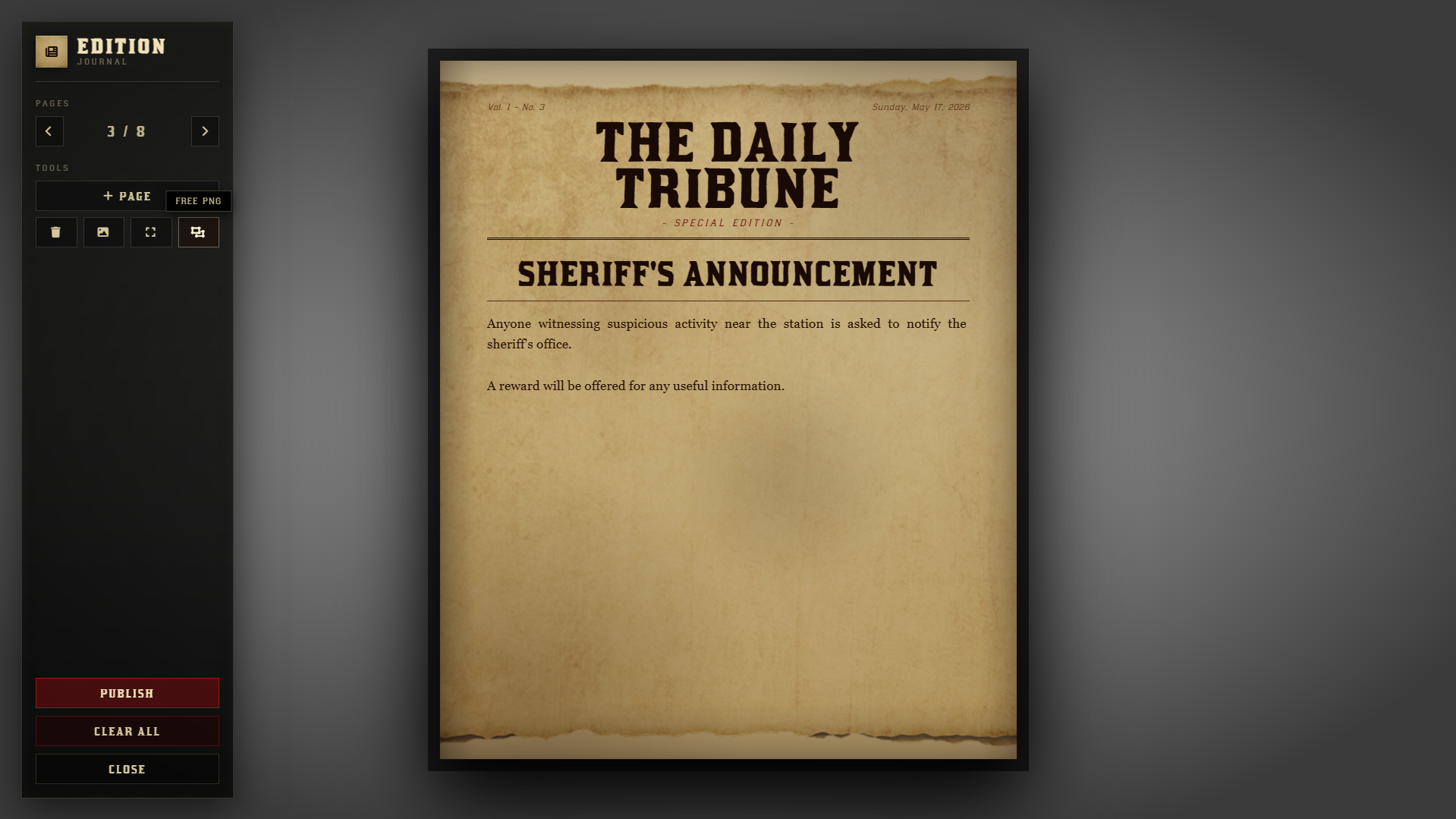
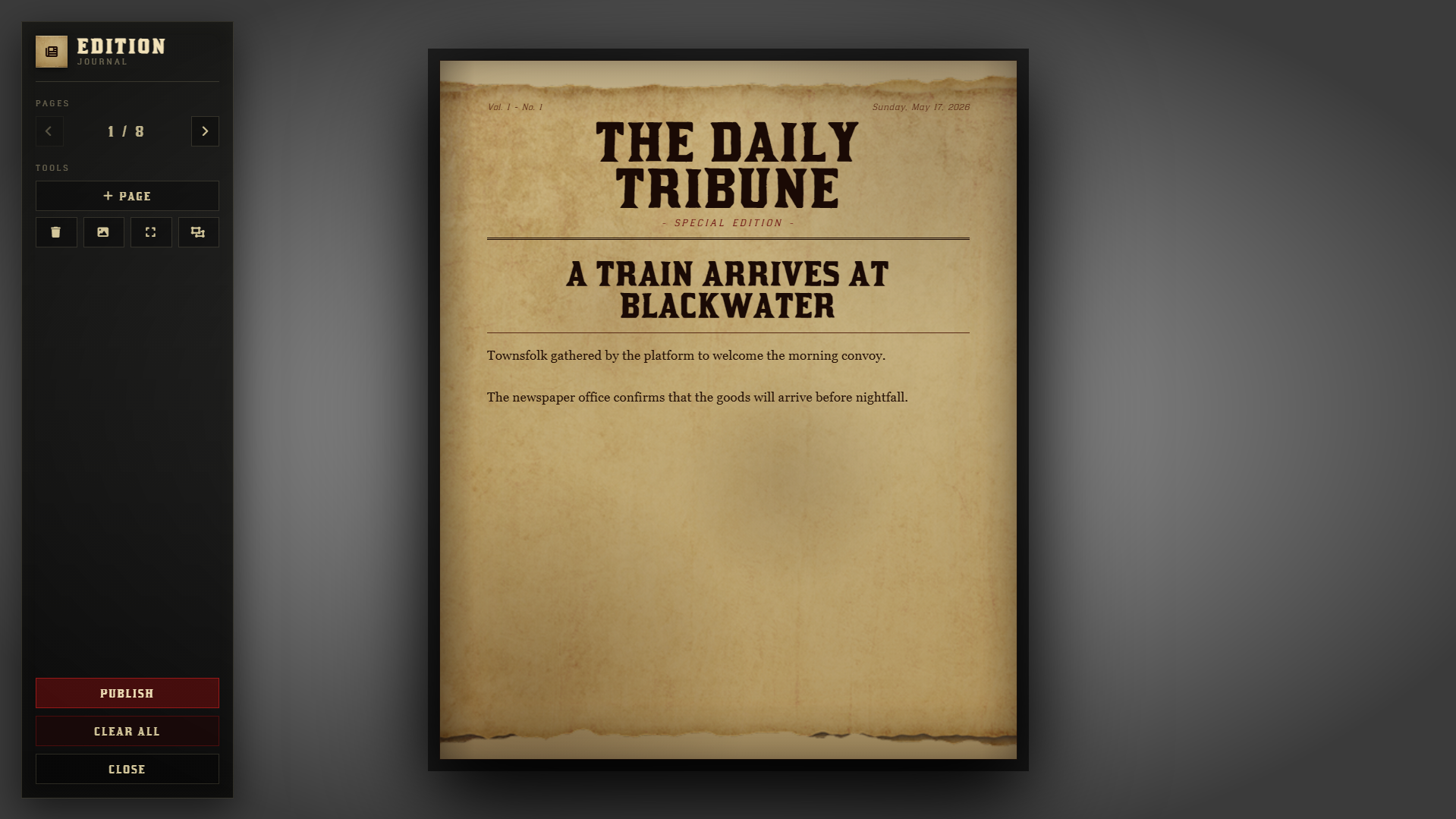
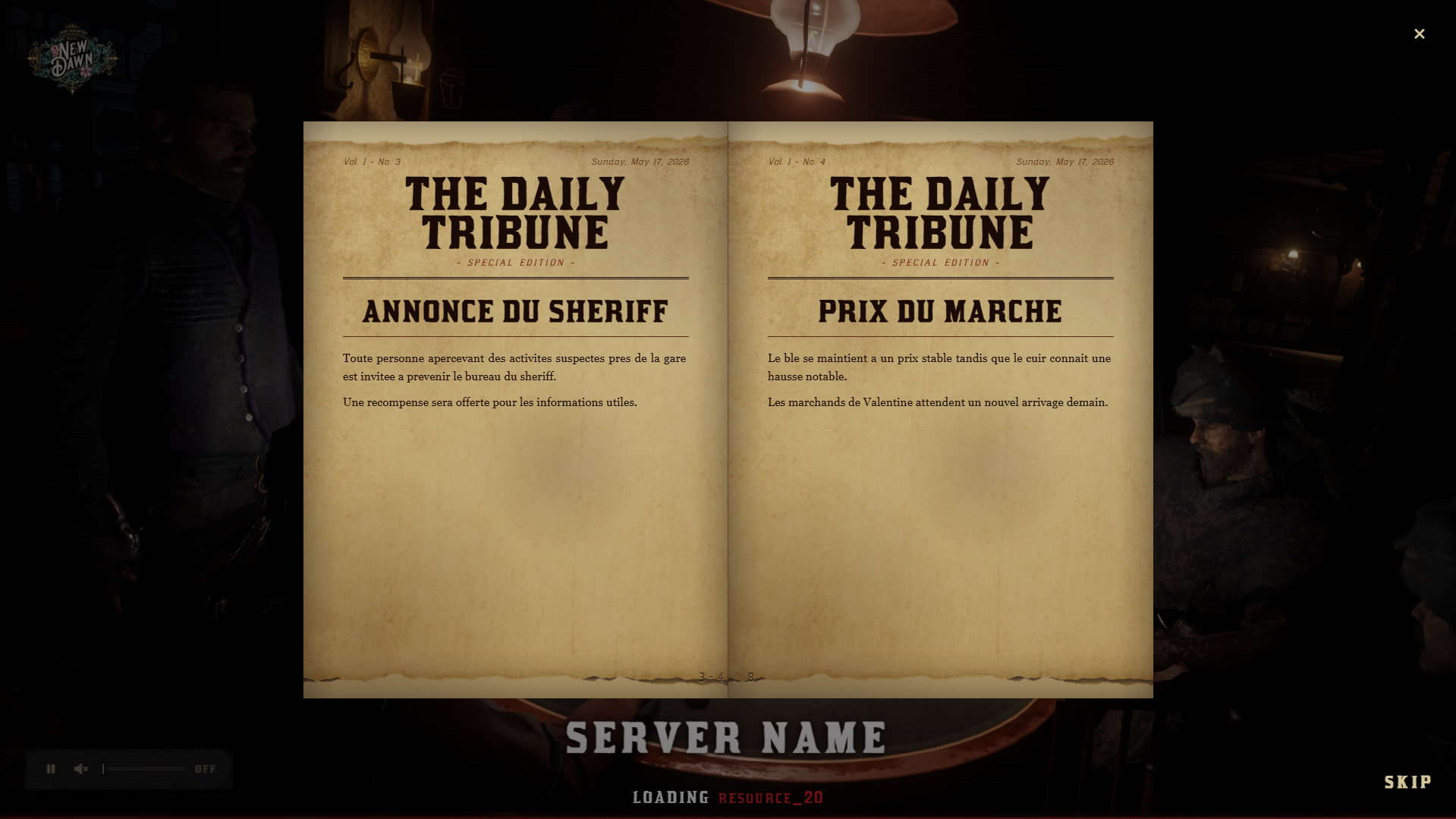
- 📰 In-Game Editable Newspaper — Staff write and publish a multi-page journal via
/editpaper. Players read it live during loading. Persisted in MySQL (oxmysql). - 📋 Journal Editor (NUI) — Full in-game editor: title, body text, full-page images, resizable floating PNG images. Restrict editing by job (e.g. reporter).
- ⏳ RDR2-Style Progress Bar — Simple mode or detailed mode showing the currently loading resource name.
- 🎨 Fully Custom Color Palette — Accent color, text, server name, progress bar — all editable via CSS variables. Ships in black / off-white / dark red.
- 🌐 EN / FR Locales included — Locale files in
locales/*.lua, easy to duplicate for any language. - ⚙️ Multi-Core Compatible — VORP, RSGCore, or any custom framework via
Config.Core+Config.GetPlayer. - ⚡ Modern Stack — Vue 3 + TypeScript, Vite build, optimized NUI. Minimal performance footprint.
✦ Compatibility
- ✅ VORP Core
- ✅ RSGCore
- ✅ Custom core (via simple config adapter)
- ✅ oxmysql (required for newspaper persistence)
✦ Customization
- All visual settings in a single
config.lua— no code knowledge required - Server name: text, animation, position, size, decorative lines — all configurable
- Logo: path, size, animation type
- Background: mode (image / slideshow / video), transition style, slide duration
- Colors: full palette via CSS variables (accent, text, progress, server name color…)
- Newspaper: job restriction, max pages, image support, MySQL table auto-created
✦ Why lo_loadingscreen?
- The only loading screen with a live editable newspaper. Your reporters write content in-game, players read it while connecting. Real immersion, zero external tools.
- Actually configurable. Not just a color swap — animations, transitions, backgrounds, progress bar mode, locale — everything is exposed in the config.
- Works with your setup. VORP, RSGCore, or custom core: one config line to switch. No framework rewrite needed.
- Open where it matters. Config, locales, and notification handler are open. The NUI bundle is protected — your server identity stays yours.
- Modern, lightweight UI. Built on Vue 3 + Vite. Renders fast, no frame drops, no heavy dependencies bloating your server.
✦ What's Included
config.lua— fully open, documentedlocales/en.luaandlocales/fr.luaclient/notify.lua— open notification bridge- Compiled NUI (Vue 3 + TypeScript + Vite)
- MySQL auto-migration for newspaper table
- Full documentation (setup, config reference, locale guide)